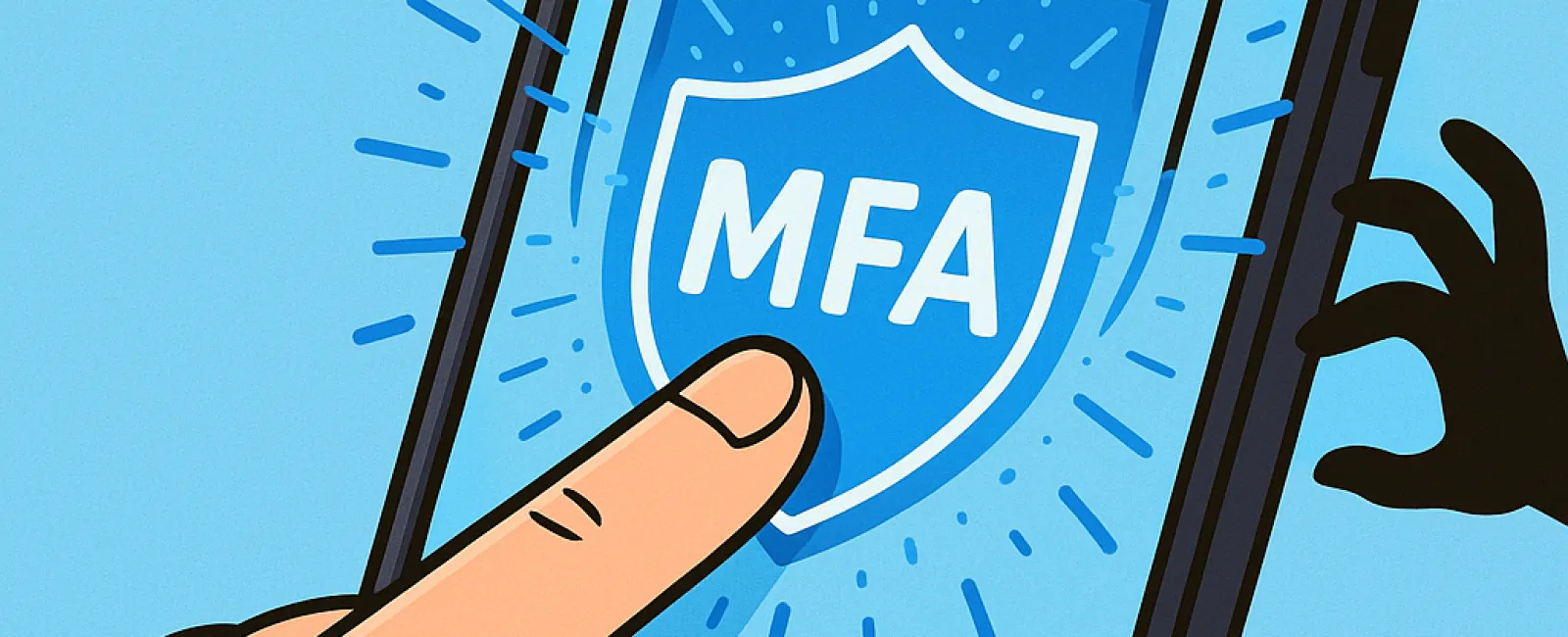
Just like you wouldn't drive without buckling your seat belt or leave your office door unlocked overnight, protecting your online presence without multifactor authentication (MFA) is risky.
MFA acts as a critical second barrier securing your digital world. Instead of depending solely on a password—which can be compromised through theft, guessing, or phishing—it adds an additional verification step, such as a text message code, an authentication app prompt, or a fingerprint scan. This means that even if a hacker obtains your password, they cannot get in without passing this extra security checkpoint.
Why One Simple Step Can Protect You Immenseley
If your password is like locking your front door, then MFA is like activating your home's security system before bed. It might seem optional, but wouldn't you want an added layer of protection just in case?
MFA enhances your login security by requiring a quick additional action that verifies it's genuinely you trying to access your accounts. Whether called "two-step verification," "two-factor authentication," or a "one-time password," these processes all mean the same: confirming your identity through multiple checks before granting entry to your sensitive data.
You'll find MFA everywhere—from verification emails when creating accounts, bank security questions, to text message codes, push notifications, or phone calls—usually requiring nothing more than a tap or entering a short code.
How MFA Saves You from Real-World Cyber Threats
Although MFA adds a simple step for you, it creates a formidable obstacle for cybercriminals. If someone tries to access your account unauthorized, MFA sends you an alert or asks for a verification code, giving you a timely warning to reset your password before any data is stolen.
Even if an employee unknowingly shares their login details, MFA prevents intruders from entering without completing the extra verification step. Microsoft reports that enabling MFA reduces account compromise risk by over 99.2%, and by an impressive 99.99% for MFA-enabled accounts.
Essential Accounts to Protect with MFA and How to Get Started
Make sure MFA is activated on these critical areas:
- Banking and financial applications
- Email and cloud storage services
- Social media platforms
- Work-related systems containing client or confidential information
Setting up MFA is usually quick and easy. Most major platforms include MFA options—just choose the method that fits you best and incorporate it into your daily routine. Using an authenticator app can bolster security for employee logins.
In summary, MFA is a fast, no-cost way to prevent most account breaches. Investing a few moments now to activate MFA can save you from potentially extensive damage control and data loss in the future.
The quickest way to enable MFA is by reaching out to your IT provider. A skilled managed service provider (MSP) can streamline the entire setup. Need expert cybersecurity help? Click here or call us at 608-416-2400 to schedule your 10-Minute Discovery Call with our team today.