Imagine you're midway through a long five-hour holiday drive, tired from packing, and your daughter asks, "Can I play Roblox on your work laptop?" This laptop holds sensitive client files, financial records, and critical business information. The temptation to keep her entertained is strong, but is it really worth the risk?
Holiday travel introduces unique security challenges that you rarely face in your daily routine—distractions, exhausted minds, unfamiliar WiFi networks, and blurred lines between work and family time. Whether your trip is for business, pleasure, or a bit of both, here's how to safeguard your data while keeping everyone happy during the holidays.
Essential 15-Minute Prep Before Your Trip
Spend a quarter of an hour prepping to ensure your devices and data remain secure on the road:
Fundamentals for Your Devices:
- Apply all available security updates to your devices
- Back up crucial files securely to the cloud
- Enable automatic screen lock after no more than two minutes of inactivity
- Activate "Find My Device" features on all phones and laptops
- Charge portable power banks fully
- Bring your own charging cables and adapters to avoid surprises
Setting Expectations With Your Family:
- Clarify which devices are appropriate for kids to use during travel
- Provide a dedicated family tablet or secondary device for entertainment purposes
- Create a separate user profile on your work laptop if children must use it
Pro Tip: If your children need screen time on the trip, consider bringing a tablet that isn't linked to your work accounts—a budget-friendly way to prevent costly data breaches.
Why Hotel WiFi Is Riskier Than You Think
Once the family connects all devices to the hotel's WiFi—phones, tablets, laptops, and gaming consoles—everyone is online: teens streaming shows, parents checking emails, and you trying to wrap up last-minute work on a proposal.
The danger? Hotel networks are crowded and shared with hundreds of guests, some of whom may have malicious intent.
Real-life Incident: A family connected to a seemingly legitimate hotel WiFi hot spot that was actually a fraudulent network set up in the parking area. For two days, hackers intercepted their passwords, credit card details, and emails.
How to Protect Yourself:
Always verify the exact network name with the hotel's front desk—never assume.
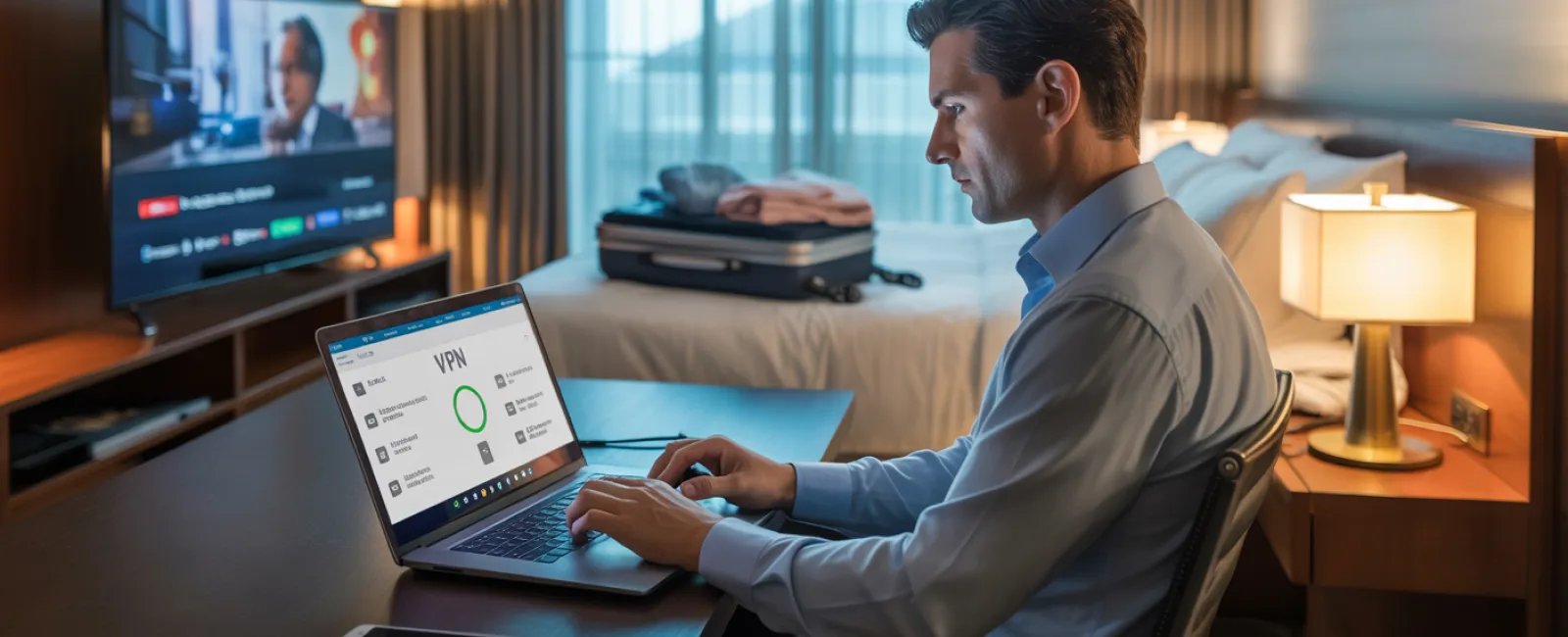
Use a VPN for any work-related access to encrypt your data and protect privacy.
For sensitive activities like banking, switch to your phone's hotspot rather than relying on hotel WiFi.
Keep leisure activities separate from work tasks—letting kids stream cartoons on hotel WiFi is fine, but use your mobile hotspot to handle confidential work information.
Handling The "Can I Use Your Laptop?" Dilemma
Your work laptop contains sensitive data—emails, financials, client files—and your kids want to watch videos or chat online.
Why this is critical: Children can unknowingly introduce risks by downloading files, clicking on malicious pop-ups, sharing passwords, or leaving accounts logged in. These accidental actions put your work data at risk.
Smart Solutions:
Politely refuse access to your work device and redirect them to another entertainment device. Make this rule consistent.
If sharing is unavoidable, take these steps:
- Set up a separate user account with limited permissions
- Closely supervise their usage
- Prevent any downloads
- Avoid saving passwords on your device
- Clear browsing history after use
Better yet: Bring along a dedicated family device for travel—a simple tablet or laptop that has no work account access keeps your business data safe.
The Hidden Risk of Streaming on Hotel TVs
Watching Netflix on a hotel smart TV sounds perfect, but if you log into your account and forget to log out, the next guest gains access to your account—and potentially worse, if you reuse passwords across sites..
Preventive Measures:
- Cast content from your personal device to the TV for safer viewing
- Set a phone reminder to log out of TV apps before checkout if you log in directly
- Better yet, pre-download shows and movies to your devices to avoid hotel TVs completely
Avoid logging into the following on hotel TVs:
- Banking apps
- Work-related accounts
- Email
- Social media
- Any apps storing payment details
Steps to Take If a Device Gets Lost
With the chaos of travel, devices can easily be left behind. If your device goes missing:
Immediately:
- Utilize "Find My Device" services to locate it
- If retrieval seems unlikely, use remote lock features
- Change all critical account passwords using a secure device
- Contact your IT department or Managed Service Provider to revoke access to company systems
- Notify affected parties if sensitive business information was stored on the device
Ensure your device has these safeguards before departure:
- Remote tracking enabled
- Strong password protection
- Automatic data encryption
- Remote wipe capability
If a family member loses a device, apply the same security steps—lock it remotely and update passwords immediately.
Avoid The Rental Car Bluetooth Data Trap
Connecting your phone to the rental car's Bluetooth can sync contacts, recent calls, and even message previews. Unfortunately, this information often remains accessible to the next driver.
Quick fixes before returning the car:
- Remove your phone from the car's Bluetooth device list
- Clear recent GPS destinations
- Or skip Bluetooth entirely and use an aux cable for audio
Maintaining Boundaries on a "Working Vacation"
You promised family time, but constant email checks, calls, and laptop work pull you away. This split focus increases risks, as distracted, rushed moments weaken security vigilance.
Here's how to set healthy boundaries:
- Limit work email checks to two scheduled times per day
- Use your phone's hotspot for work tasks, not public WiFi
- Work privately in your hotel room, avoiding public spaces
- Be fully present during family time—don't multitask with work
Best advice? Take a genuine break. Your business will survive, and your security awareness will be sharper when you're rested.
Adopt A Thoughtful Holiday Security Mindset
Balancing work and family during holiday travel isn't perfect. Sometimes kids must use your laptop; urgent emails demand attention. The key is to manage risk intentionally:
- Prepare devices thoroughly before traveling
- Know which activities pose higher security risks (like hotel WiFi banking) versus safer options (using your own hotspot)
- Separate work data from family use wherever possible
- Have a clear plan for potential security incidents
- Master the art of saying "Not on this device" and sticking to it
Create Lasting Memories Instead of Security Nightmares
The holidays are for cherishing time with loved ones—not managing a data breach or apologizing to clients over compromised info.
With simple preparation and clear rules, you can protect your business while keeping the vacation spirit alive. Your family enjoys the holiday, your business stays secure, and everyone wins.
Need expert help developing travel security strategies for your team and yourself? Click here or give us a call at 608-416-2400 to book a free 10-Minute Discovery Call with us. We'll help you create practical policies that protect your business without making travel impossible.
Because the best holiday story shouldn't be, "Remember when Dad's laptop got hacked?"