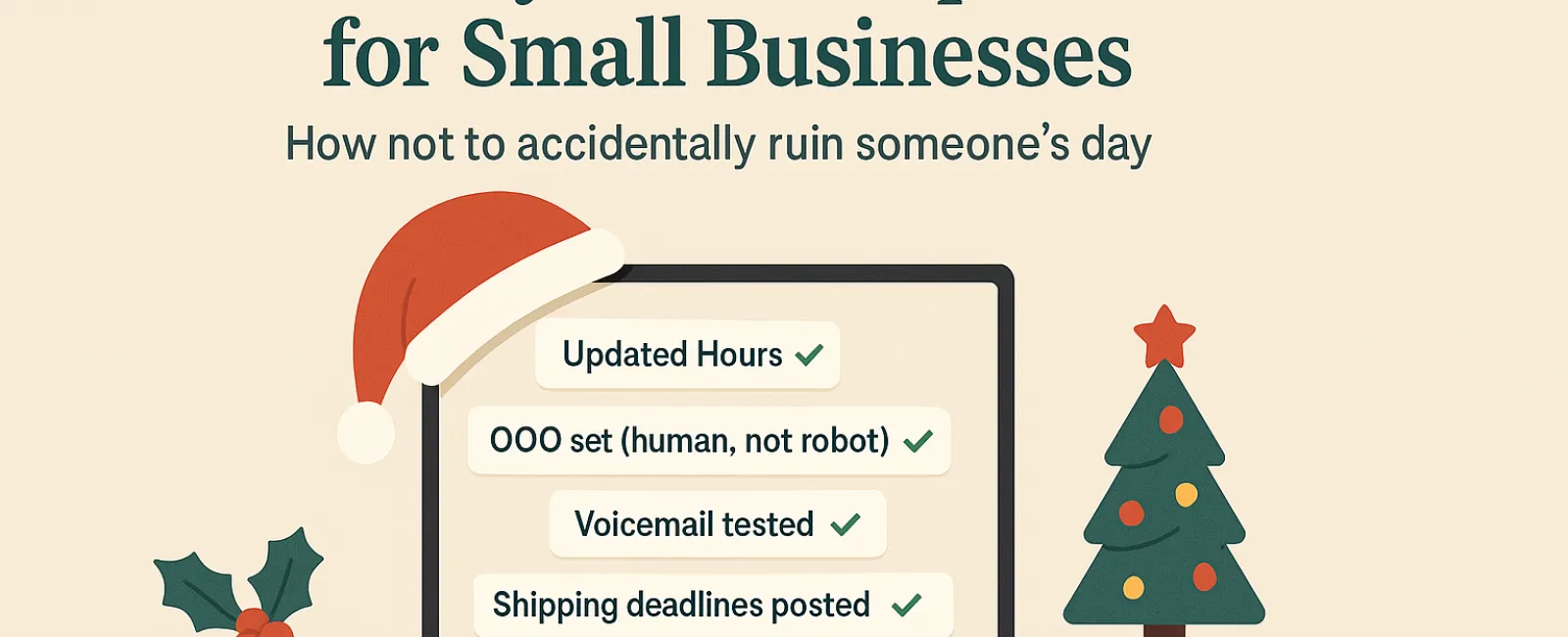
The holiday season is already hectic—don't let technical hiccups add to the chaos. With customers rushing to complete last-minute tasks and employees managing busy family commitments, tension is high everywhere. The last thing you want is to frustrate anyone with preventable technology missteps.
Consider this your essential Holiday Tech Etiquette Guide—because no one wants to be remembered as that business that disrupts someone's day.
1. Update Your Online Business Hours Before the First Frustrated Call
Imagine a customer speeding across town during their break, relying on Google to tell them you're open, only to find a locked door and dark lights. You've just unintentionally become the antagonist in their day.
Make sure to update:
- Your Google Business Profile—the primary spot customers check
- Facebook, Instagram, Yelp—any platform where customers might search for you
- Your website banner—displaying a clear, friendly holiday schedule
- Apple Maps—yes, many still rely on it
Try a warm message like: "Happy Holidays! We're closed from Thursday, Nov. 28 through Sunday, Dec. 1 to enjoy time with family. We'll return to normal hours Monday morning—slightly turkey-hungover but eager to assist!"
2. Craft Genuine Out-of-Office Replies That Sound Human
When you're taking a break, don't leave your customers in the dark. An informative and friendly auto-reply acts as a courteous welcome—even in your absence.
Example message: "Thanks for reaching out! Our office is closed for Thanksgiving from Nov. 28 to Dec. 1. We'll respond as soon as we're back and caffeinated. For urgent matters, please call our support line at (XXX) XXX-XXXX. Warm wishes for a joyful holiday!"
3. Keep Your "Out Of Office" Messages Clear and Concise
Resist the urge to share all your holiday plans—customers don't need to know about Aunt Carol's Denver visit or Bob's "Friendsgiving". Over-sharing can feel unprofessional and even create security risks.
Stick to the essentials: dates of absence, expected response times, and alternate contact info. Save the personal stories for your social channels.
4. Check Your Phone Systems Now to Save Everyone Headaches Later
Holiday callers are often rushed and stressed. Ensure your voicemail greeting reflects your current hours accurately—no confusing loops or outdated info.
Pro tip: Dial your own number. You might be surprised how many businesses have greetings stuck in 2019.
Sample voicemail: "You've reached [Business Name]. Our office is closed for the holiday weekend. Please leave a message, and we'll return your call Monday morning. For urgent issues, press 1 to reach our on-call team. Happy Holidays, and thank you for your patience!"
5. Clearly Communicate Shipping Deadlines Well Before Last-Minute Panic
If your business ships products, make sure all deadlines are visible and sent in reminders. Highlight "order by" dates online and through direct emails.
Late deliveries are frustrating; missed deadlines can damage your customer relationships. No one wants to explain a delayed anniversary gift!
The Takeaway: Thoughtful Tech Etiquette Means Happier Customers and Stronger Business
Holiday tech manners aren't complicated—they're about clear communication, treating customers like people, and respecting their time. A few simple updates can go a long way toward avoiding frustration and maintaining your good business name.
Remember: The goal isn't just to avoid issues—it's to make your customers feel valued, even when you're taking a well-earned break.
Need help ensuring your systems and customer experience stay polished and professional this holiday season? Call us at 608-416-2400 or click here to book your free 10-Minute Discovery Call. Let's discuss easy ways to keep your operations smooth while you enjoy your downtime.