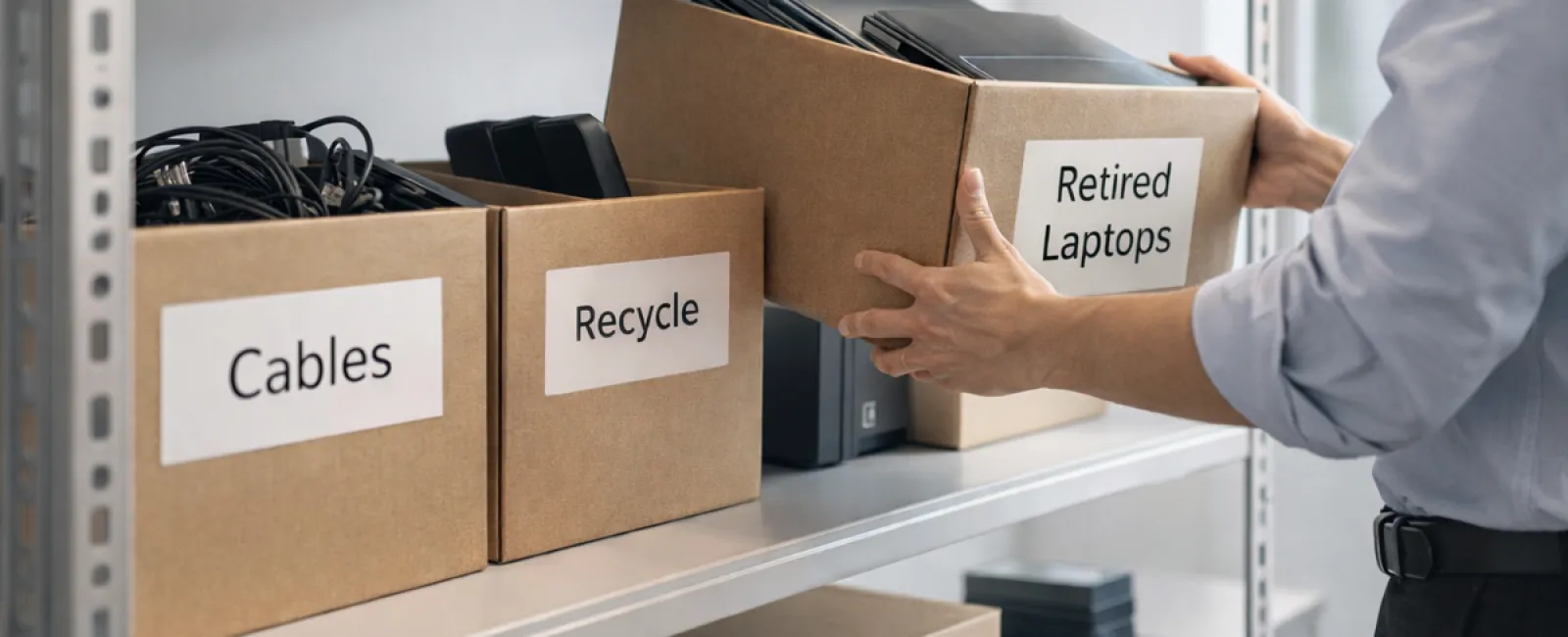
Most businesses think of spring cleaning as a closet chore, but the real clutter often hides in places like storage rooms, back offices, or piles marked "deal with later."
It's not just about clothing racks—it's old laptops, retired printers, backup drives from past upgrades, and a mess of cables kept "just in case."
Every company gathers outdated tech over time.
The key isn't if you have it, but whether you have a strategy for what comes next.
Technology's Lifecycle: Beyond Just Buying Dates
When acquiring new gadgets, you usually have clear reasons: faster speeds, enhanced security, increased capabilities, or growth support.
While many companies plan their tech purchases carefully, few map out how to retire them effectively.
Equipment retirement often happens quietly: replaced, set aside, then forgotten until space is needed.
That's common.
What's less usual is treating tech retirement with the same thoughtful planning as acquisition.
Old devices still hold value—whether reusable parts, recyclable materials, or stored data. Left unmanaged, they clutter workspace and drain focus.
Spring offers a perfect chance to evaluate: What's useful? What's just occupying space?
Effective Steps to Streamline Your Tech Inventory
Turn the "we should" into action with our four-step method.
Step 1: Catalog Your Equipment
Identify what you're retiring—laptops, phones, printers, network hardware, external drives? A complete inventory quickly uncovers more than expected.
Step 2: Choose the Right Path
Devices generally fall into reuse (internal or donations), recycling (certified e-waste channels), or destruction (for data-sensitive items). Make intentional decisions to avoid indefinite storage.
Step 3: Properly Prepare Devices
Discipline here is crucial.
For reuse or donation, unregister devices, remove user access, and perform certified data wipes—not just factory resets. Simple deletions or formatting don't erase data but only hide its location.
A study by Blancco found 42% of drives resold on eBay contained sensitive info, despite sellers' claims otherwise. Certified erasure software overwrites data securely and provides a verification report.
Recycle through certified e-waste providers—not the trash. Note: Best Buy's recycling program accepts household electronics only, not business gear.
For commercial equipment, seek IT asset disposition (ITAD) providers with e-Stewards or R2 certification. Your IT provider can help coordinate this.
Destruction requires certified wiping or physical methods like shredding or degaussing, plus detailed records of device serial, method, date, and handler.
This isn't paranoia—it ensures a secure and complete process.
Step 4: Document & Finalize
After devices leave your premises, track where they went, how they were processed, and confirm access removal. Solid documentation resolves lingering questions.
Overlooked Devices to Remember
Laptops get attention but other equipment often doesn't.
Phones & Tablets may hold email, contacts, or authenticator apps. Factory resets cover much, but certified wipe tools offer thorough security. Major brands offer trade-in credits, even on older models.
Printers & Copiers often contain internal hard drives storing every printed, scanned, or faxed document. Confirm in writing that leased equipment's drives are wiped or removed before return or redeployment.
Batteries are hazardous waste and illegal to throw in regular business trash in many states. Remove them from devices, tape terminals to avoid shorts, and recycle at certified drop-offs like Call2Recycle.org or major retailers.
External Drives & Servers often linger in closets longer than intended. Apply the same retirement steps as other equipment.
Why Responsible Recycling Matters
April brings Earth Day reminders about proper e-waste disposal.
With over 62 million metric tons of electronic waste produced yearly worldwide, only about 22% undergo responsible recycling. Components like batteries, monitors, and circuit boards belong in specialized recycling streams available in most communities.
Handling tech retirement responsibly is operationally smart, environmentally conscious, and strategically wise. You can secure your data and protect the planet simultaneously.
This commitment also boosts your company's reputation silently, showing customers your integrity without flashy announcements.
Unlocking Greater Potential
Spring cleaning isn't only about removing clutter—it's about creating room to grow.
Clearing obsolete hardware is important, but also step back to ask: Does your technology empower your business vision?
While hardware cycles, software, automation, and processes drive productivity and profit today.
Properly retiring equipment keeps things tidy; aligning your tech with goals moves you forward.
How We Can Help
If you already retire equipment smoothly, that's ideal—simple and routine.
But right now is also the perfect time to evaluate your wider systems: Are workflows streamlined? Are tools integrated? Is your tech fueling growth or merely maintaining status quo?
If you'd appreciate a no-pressure discussion about optimizing your tech stack, systems, and processes to boost productivity and profits, we're here.
No checklists. No sales pitch. Just practical advice to make technology serve your business better.
Click here or give us a call at 608-416-2400 to schedule your free 10-Minute Discovery Call.
If this inspired you, please share it with fellow business owners.
Spring cleaning should extend beyond closets to the systems that power your business.