April Fools Day ends, but the risk of scams lingers. While jokes fade, fraudsters remain vigilant.
Spring marks a peak season for cyber attacks—not due to carelessness, but because busy schedules create openings for deceitful schemes.
During fast-paced workdays, cleverly disguised threats slip through unnoticed, appearing harmless until damage is done.
Here are three current scams targeting sharp, well-intentioned employees simply managing their tasks.
As you review these, ask: Would my entire team recognize and stop these scams every time?
Scam #1: Fake Toll or Parking Fee Alerts
An employee receives a text:
"You owe $6.99 in toll fees. Pay within 12 hours to avoid additional charges."
The message references genuine toll services—like E-ZPass, SunPass, or FasTrak—matching their location. The small charge seems plausible, so between meetings, they pay quickly.
But the link leads to a scam site.
In 2024, the FBI reported over 60,000 complaints about fraudulent toll texts, with a 900% rise in 2025. Scammers have created tens of thousands of fake domains mimicking official toll systems, even targeting states without toll roads.
This tactic works because a minor fee feels low risk, and most have recently encountered tolls or parking, making the message believable.
Defense: Authentic toll agencies never request immediate payment via text. To stay safe, employees should never click payment links from texts; instead, always visit official sites or apps directly. Also, do not reply to suspicious messages, as any response confirms your number and invites more scams.
Remember: Convenience tempts; strict processes protect.
Scam #2: "Your File is Ready" Email Traps
This scam blends seamlessly into daily workflow.
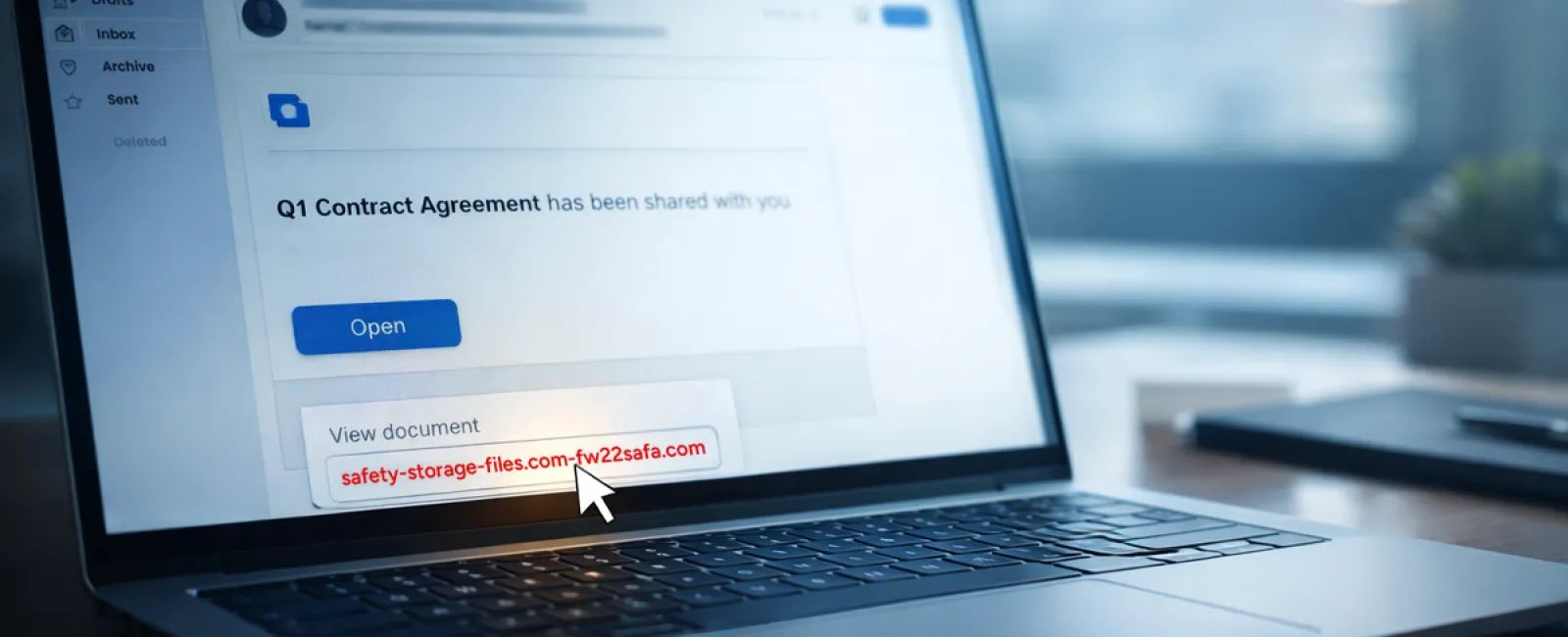
An email arrives notifying an employee that a document—often a contract or spreadsheet—has been shared via platforms like DocuSign, OneDrive, or Google Drive.
The sender details and layout look authentic, leading to an innocent click.
Employees are then prompted to enter credentials, granting attackers access to the company's cloud systems.
Phishing attacks exploiting trusted platforms have surged by 67% in 2025. Google Slides phishing attempts alone jumped over 200% in recent months.
Attackers now even send these alerts from compromised accounts, making emails appear genuinely sent from trusted servers and bypassing spam filters.
Defense: Train employees not to click unexpected sharing links. Instead, they should log in directly to the file-sharing platform to verify documents exist. Restrict external file-sharing permissions and enable unusual login alerts—quick IT configurations that significantly reduce risk.
Simple habits yield strong security.
Scam #3: Highly Convincing Phishing Emails
Gone are the days of flawed phishing emails with poor grammar and odd formatting.
Now, AI-crafted phishing messages boast a 54% click rate—over four times higher than human-written ones—because they flawlessly mimic legitimate company names, job titles, and workflow details.
Scammers tailor emails by department: HR receives false employee verification requests, finance gets fake vendor payment alerts. A recent trial showed 72% of employees engaged with vendor impersonation emails, 90% more than other phishing types.
These emails feel calm, professional, and urgent—like an ordinary workday.
Defense: Always verify credential, payment, or sensitive data requests via a second channel—phone call, chat, or in person. Hover over email addresses to confirm domains before clicking links. Treat any message pressuring urgency as a warning sign.
True security empowers without panic.
Key Insight
The success of these scams hinges on familiarity, authority, timing, and the assumption it's a quick task.
The real vulnerability isn't careless staff, but systems that expect folks to consistently pause and make perfect decisions under pressure.
If one hasty click can disrupt your operation, the problem is a flawed process—not your team.
Fortunately, processes can be fixed.
How We Can Support You
Most business owners want to protect their companies without managing comprehensive training programs or becoming cybersecurity instructors themselves.
They simply want assurance that their business is shielded from invisible threats.
If you're worried about your team's exposure—or know another owner who should be—we're ready to talk.
Schedule a direct, no-pressure discovery call to discuss:
- Current cyber risks affecting businesses like yours
- Common vulnerabilities hidden in day-to-day tasks
- Practical, non-disruptive strategies to minimize those risks
No scare tactics—just clear options to help secure your business.
Click here or give us a call at 608-416-2400 to schedule your free 10-Minute Discovery Call.
If this isn't relevant to you, please share it with someone who would benefit. Often, recognizing the signs turns a potential loss into a simple avoided threat.